Well, I can’t provide Skype directly within the Forum. However, you can now see when a Skype participant is online!
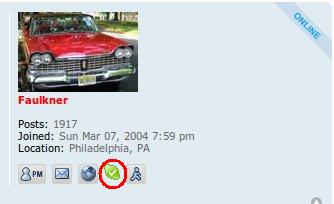
To enable it, you have to go into your user control panel (upper left corner), click the profile tab, and enter your skype name. Also, indicate if you only want Skype chat, or to be called, when someone clicks on the Skype icon in any of your posts.
You will need to ensure your Skype program privacy settings (Skype->Options->Privacy->Show Advanced Options->Allow my status to be shown on the web) are set to yes for the skype status icon to be shown correctly on the forum.
Have fun!
Dan